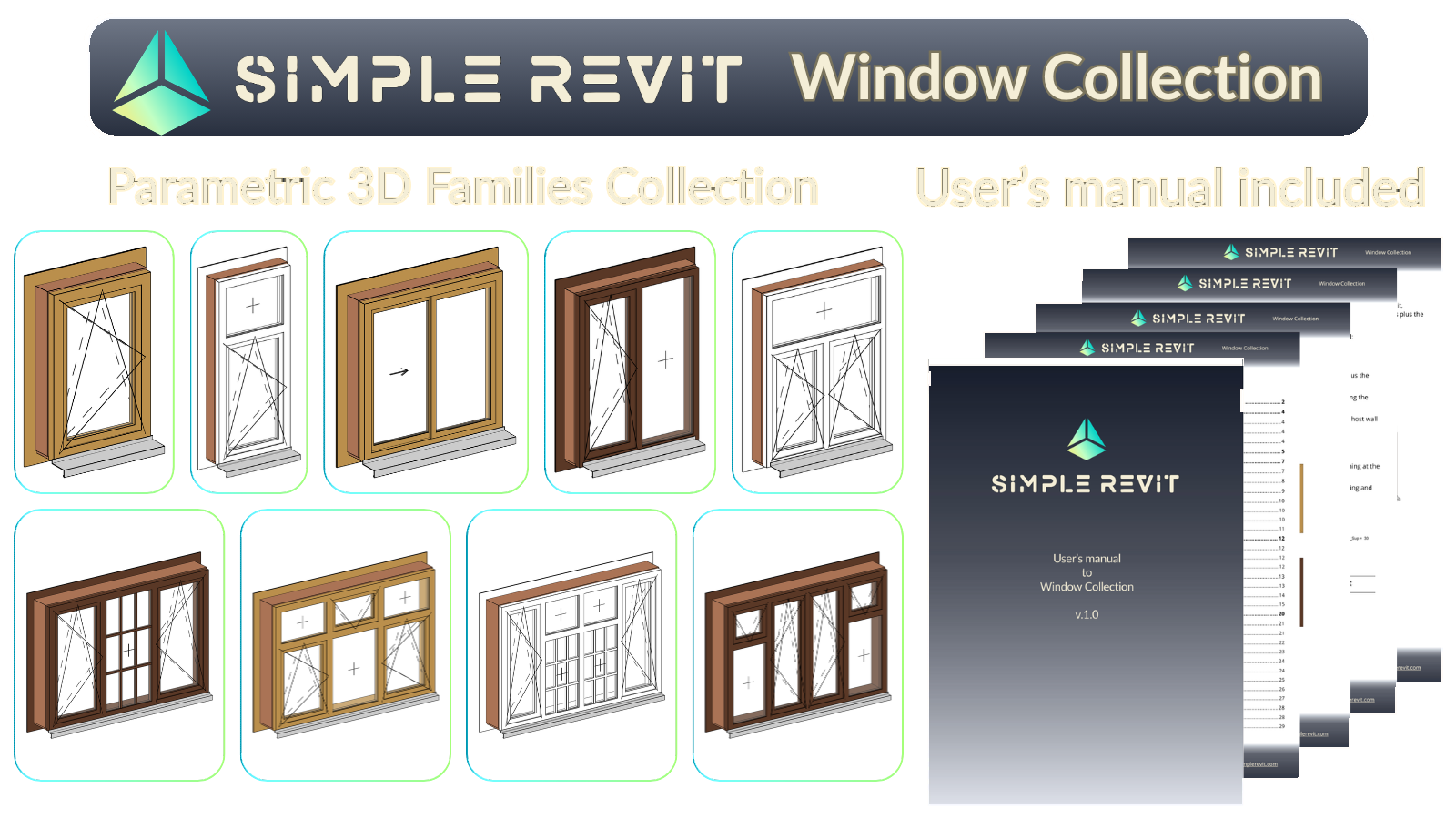
Simple Revit - Window Collection
Parametric Window System for Revit
A professional library of parametric window families, from single-sash units to multi-sash windows with transoms, built from interchangeable nested components. Sashes, transoms, casings and sills are selected directly in the project, and a single parameter switches the window between inward and outward opening.
Key Features
What you get
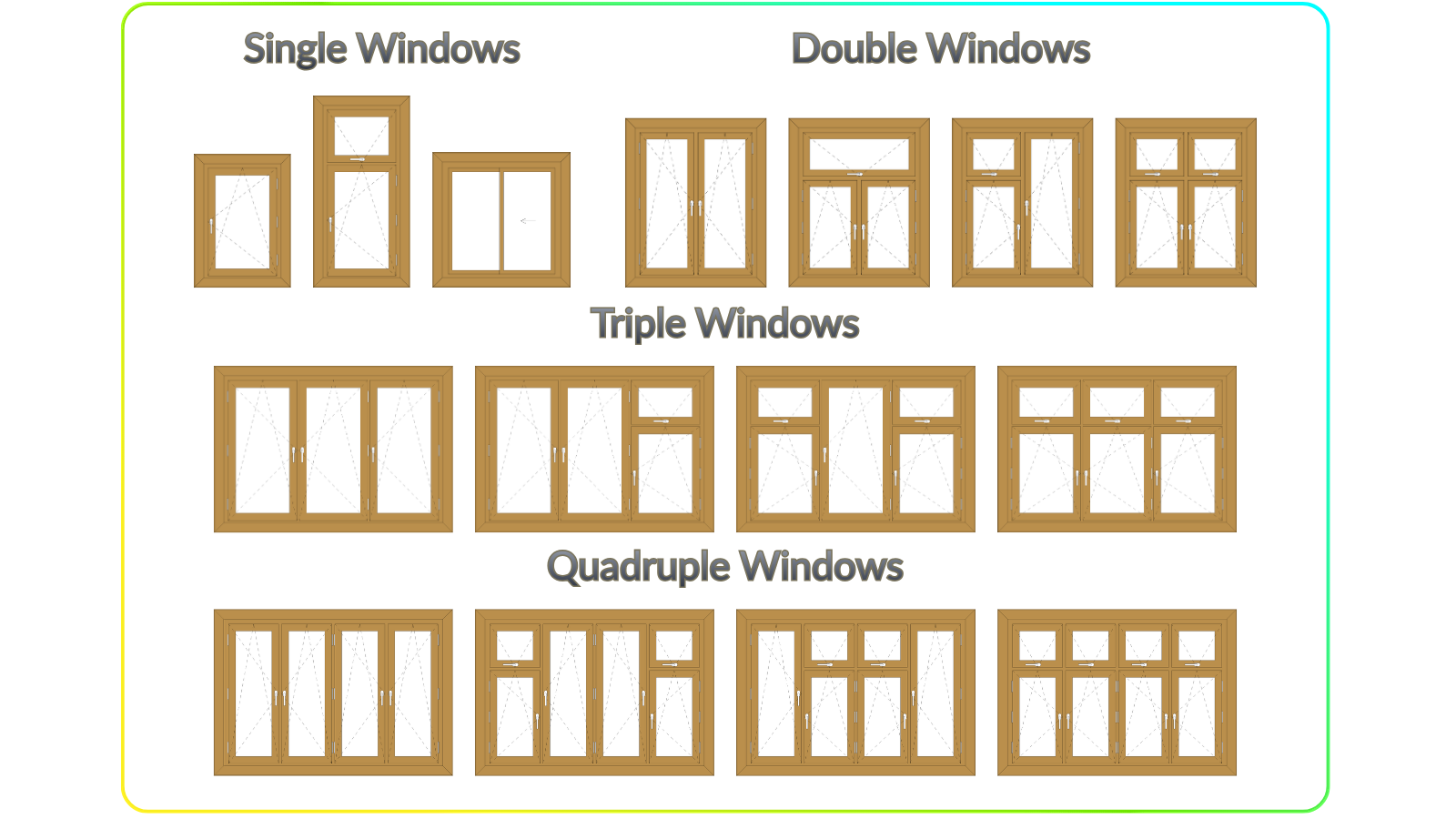
- 15 Window Families - Single, double, triple & quadruple, with and without transoms
- 28 Nested Components - Sashes, casings, sills & handles, plus 20 profile families
- Sashes with Muntins - Glazing bars up to 4 × 4, set per sash type
- User's Manual - 43-page guide to every family and parameter
- Demo Project - All families with five ready schedules on a sheet
Smart Features
What makes it work
- One-Click Inswing / Outswing - Sashes, frame rebate and swing lines turn together
- Free Sash Combinations - Every sash and transom position picks its own type
- Mirrored Sashes - Left or right opening for each position separately
- Wall-Aware Casing & Sills - Depth follows the wall thickness and the frame position
- Coarse / Medium / Fine - From simple outlines to full profiles with hinges
What's Included
Complete package contents
| Category | Families | Description |
|---|---|---|
| Windows (WN) | ||
| Single | 3 | Swing, swing with transom, sliding (vertical & horizontal) |
| Double | 4 | Two sashes, three transom layouts |
| Triple | 4 | Three sashes, three transom layouts |
| Quadruple | 4 | Four sashes, three transom layouts |
| Components | ||
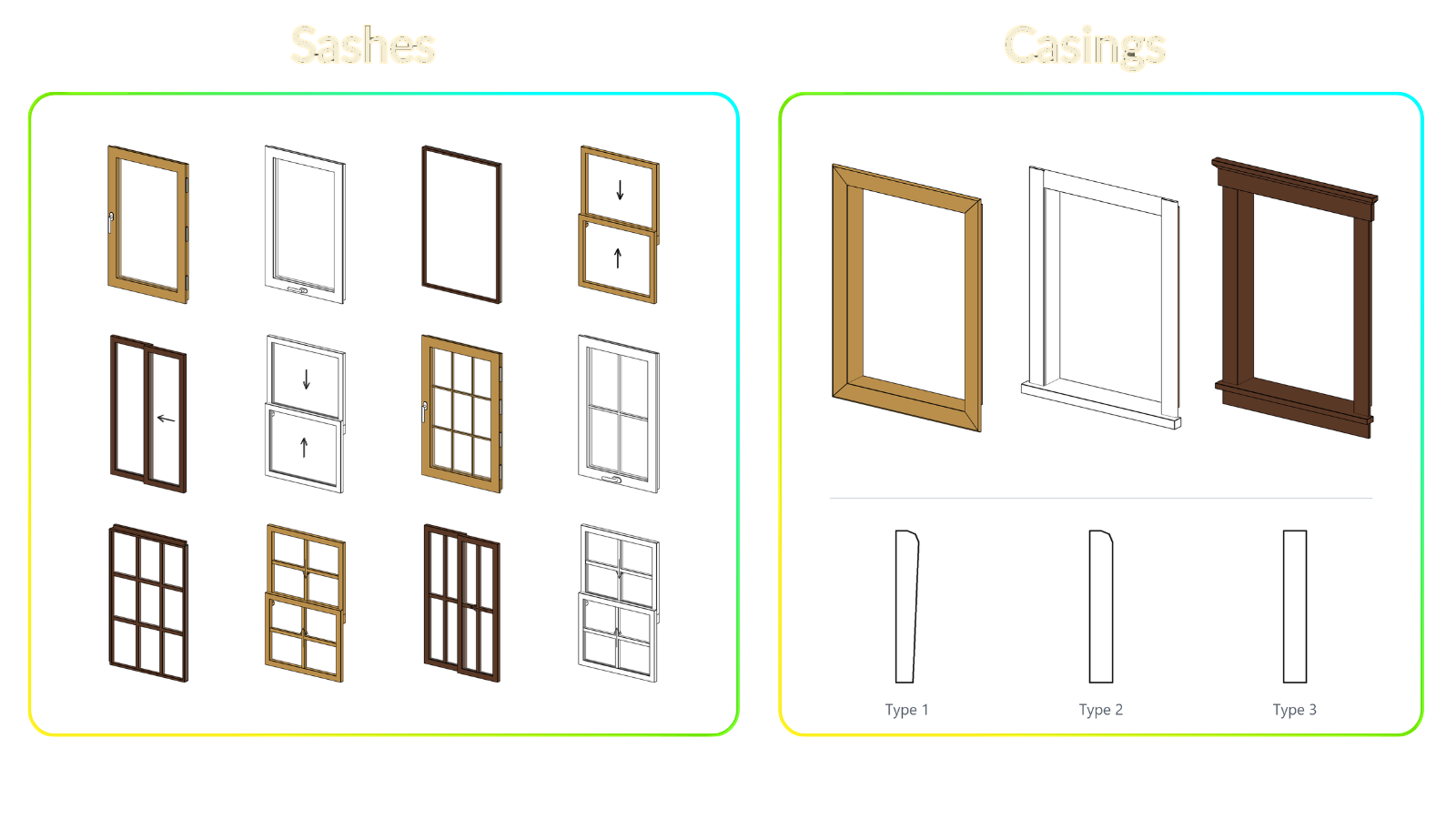
| Sashes (SH) | 10 | Swing, swing-tilt, swing-fix & sliding, plain or with muntins |
| Casings (CS) | 3 | Interior trim profiles |
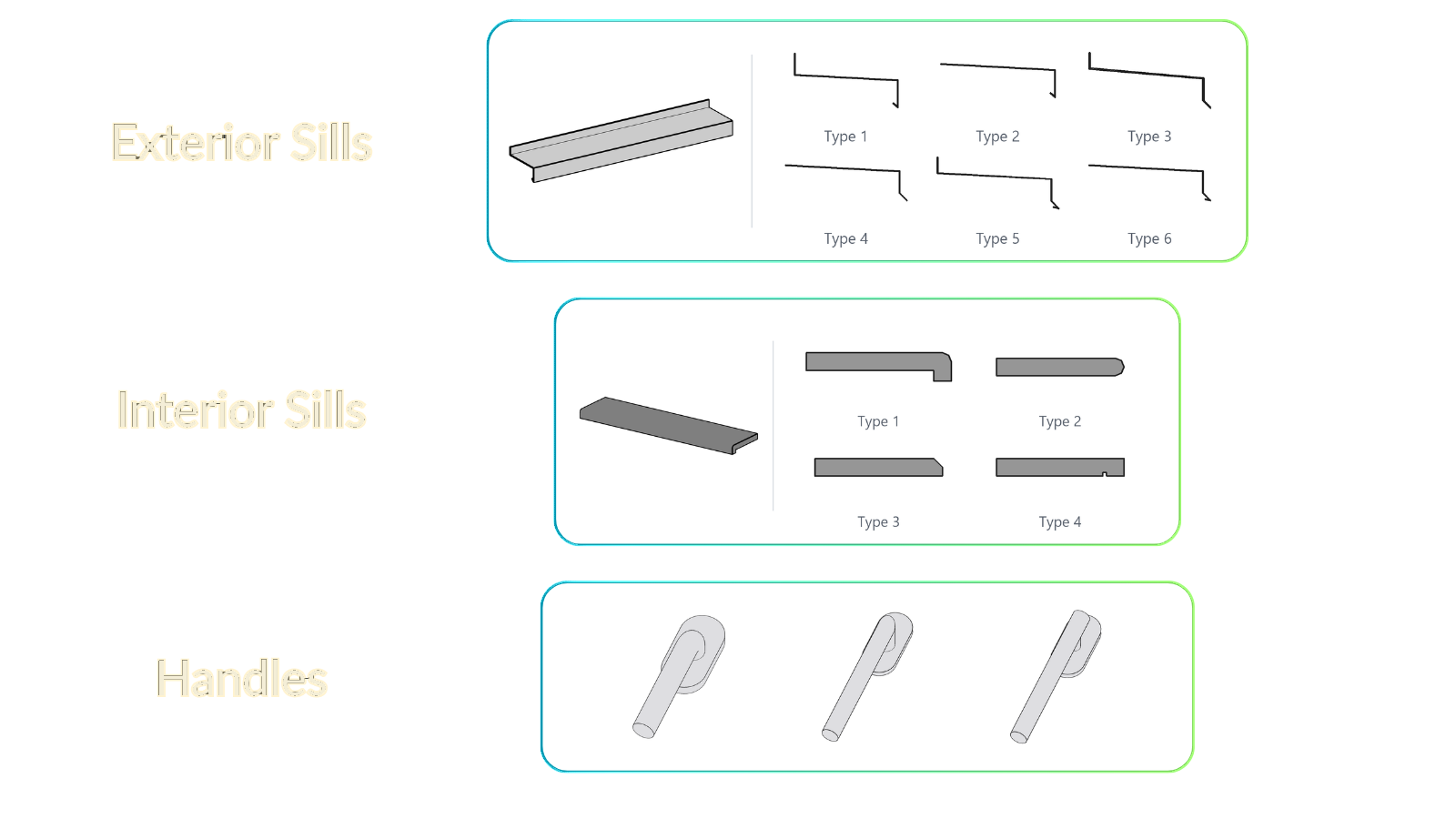
| Sills (SL) | 12 | 6 exterior flashing sills, 4 window boards + templates |
| Hardware (HW) | 3 | Window handles |
| Total Families | 43 + 20 profiles | |
Built from Components
Swap parts, not families
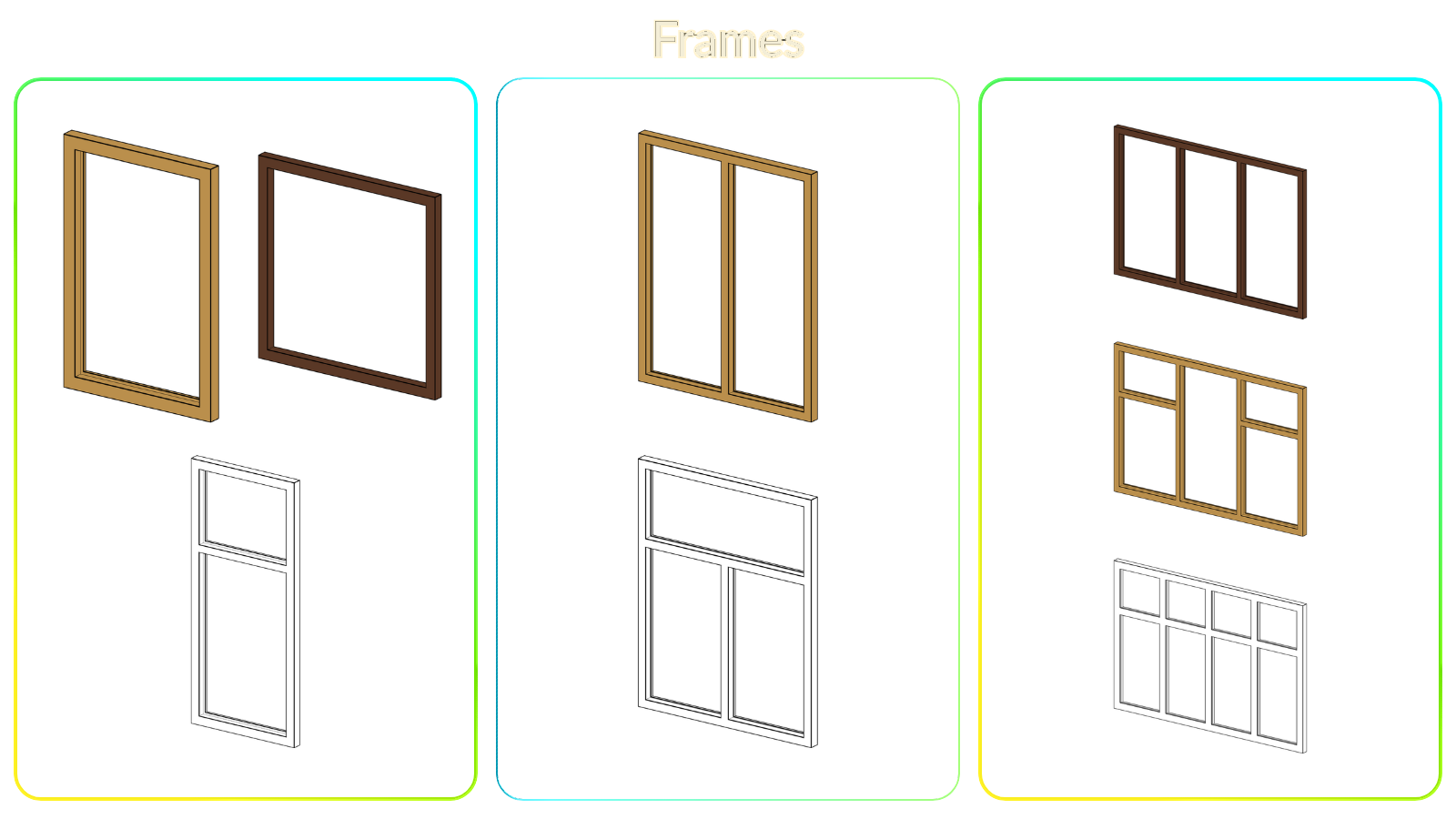
The frame is built into each window; everything else is a nested family you pick in the window's properties. Load only the components you need and switch them without ever opening a family.
- Sash Type 1 … 4 (SH)
A separate sash for every opening of the window - Transom Type 1 … 4 (SH)
Transoms use the same sash families as the openings below - Casing Type (CS)
Interior trim; switch it off to show the window board instead - EXT / INT Sill Type (SL)
Exterior flashing and interior board chosen independently - Hardware Type (HW)
Handle chosen in the sash type, hinges included
Inward & Outward Opening
One parameter turns the whole window
Set Inswing to Yes or No and the window rebuilds itself for the other opening direction - nothing to swap, nothing to mirror by hand.
- Sashes Open In or Out
Inswing = Yes opens into the room (default), No opens outward - The Frame Follows
The frame is mirrored with the sashes, so its rebate always faces the opening side - Handles Stay Inside
The handles remain on the room side in both directions - Swing Lines Follow
Inward and outward opening are drawn differently in plans, elevations and 3D - Drawing Conventions
Reversed Swing Lines flips the triangles; Swing Visibility 3D hides them in 3D
Smart Graphics & Detail Levels
Clean drawings at every scale
Windows respond to Revit's Detail Level in plans, elevations, sections and 3D, so small-scale drawings stay light and close-ups stay rich.
- Coarse
Simplified frame and sash, the opening shown by swing lines only - Medium
Detailed profiles with rebates and glazing, sills or casing and the handle - Fine
Everything of Medium plus the hinges
One family covers every scale: changing the view's Detail Level is all it takes, with no extra families or per-view visibility tweaks. The same window reads cleanly on a 1:100 floor plan and in a 1:5 construction detail.
Why Choose Window Collection?
Made for production drawings
User's Manual
- 43-Page Guide
Every window family with exterior, interior and 3D views and its own parameters - Parameters Explained
Dimensions, materials and finishes, components and graphics, block by block - Compatibility Reference
Which sashes, casings and sills fit which windows - Schedules Explained
The five project schedules and how to use them
Key Benefits
- Few Families, Many Windows
15 families cover single to four-sash windows with any sash setup - Ready for Schedules
Shared parameters and pre-built window, sash, casing and sill schedules - Consistent Parameters
Same groups, names and descriptions in every family - learn it once - BIM LOD 300-350
Detailed, documentation-ready geometry
Important: families are built in Revit 2024 and are not compatible with earlier versions. Please make sure you use Revit 2024+ before purchase.